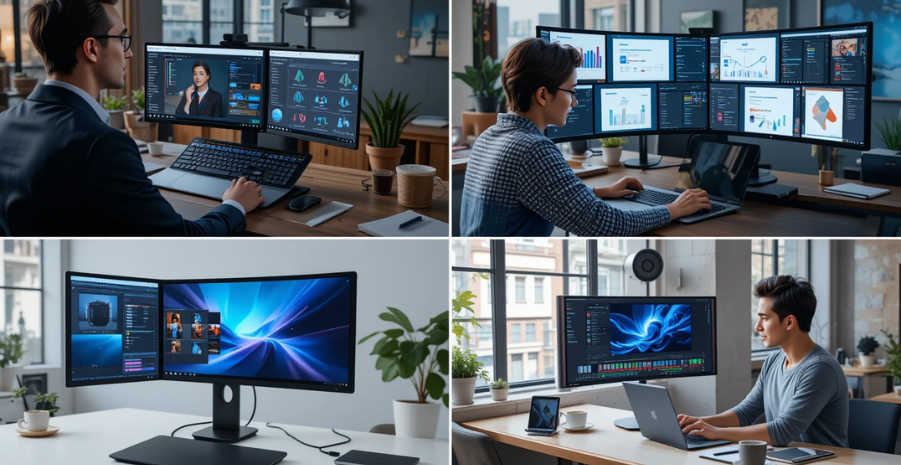
Best Laptop Screen Extenders
The modern digital world demands more multitasking than ever. Whether you are working remotely, studying online, or traveling for business, a single laptop screen often feels limiting. This is where laptop screen extenders come in. They transform your portable device into a multi-monitor powerhouse, making it easier to manage projects, conduct research, or enjoy entertainment without constantly switching between tabs.
In this comprehensive guide, we’ll explore the best laptop screen extenders available, examine their key features, and highlight why dual and triple monitors can significantly enhance productivity for work, study, and travel.
| Screen Extender | Configuration | Key Features | Main Use Case | Notable Attribute |
| Trio 2.0 Tri-Screen Display | Triple full HD screens | Built-in kickstand, optional magnetic mounting, plug-and-play; lightweight design | Ideal for multitaskers and professionals | 20% thinner and 1 lb lighter than the previous version |
| Maxfree S6 Triple Extender | Dual 15.6” panels | IPS FHD, adjustable orientation, independent screens | Office multitasking setups | Flexible positioning in portrait or landscape |
| Updated Portable Triple Monitor | Triple 15.6” detachable | 1080p IPS, detachable screens, sturdy build | Robust and travel-ready | Premium aluminum alloy and modular setup |
| Synnov Triple Screen Extender | Triple 14” setup | Compatible with multiple OS, triple display, and high productivity | Home offices and multitasking | Helps increase efficiency by up to 300% |
| Magnetic Extender (e.g., Cevaton S6) | Dual magnetic screens | Portable, plug-and-play, magnetic attachment, durable build | Travel professionals | Combines strong attachment with sleek design |
Why Laptop Screen Extenders Are Game-Changers
Laptop screen extenders are portable monitors designed to attach or connect to your laptop, creating a dual- or triple-screen setup. Unlike traditional desktop monitors, they are lightweight, foldable, and built with mobility in mind.
Professionals use them to compare spreadsheets side by side, students rely on them for attending virtual classes while taking notes, and travelers appreciate them for maintaining productivity on the go. Beyond functionality, screen extenders reduce eye strain and enhance focus by providing a larger digital workspace, thereby improving overall productivity.

Key Benefits of Using Laptop Screen Extenders
Enhanced Productivity
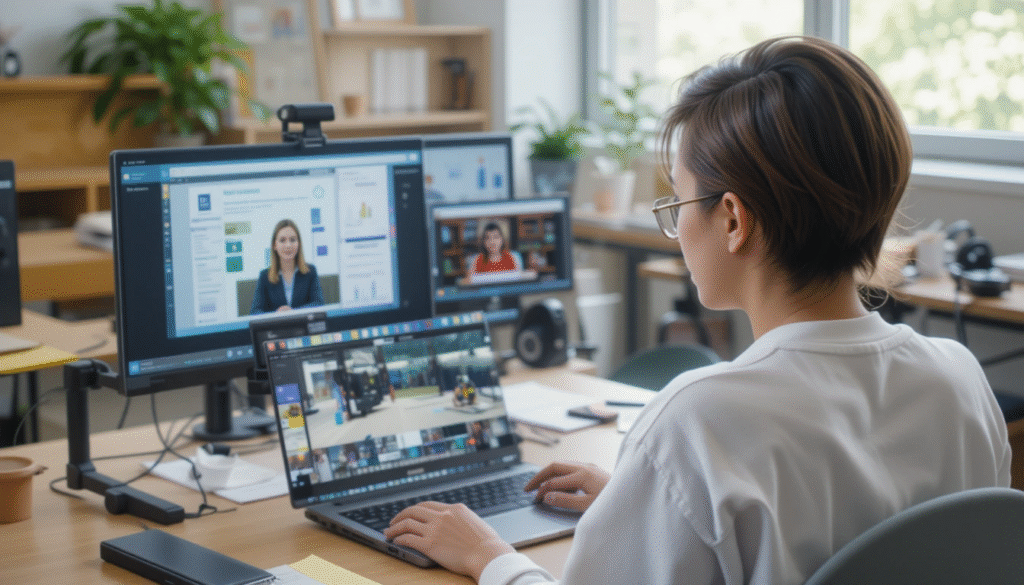
Multiple screens allow seamless multitasking. For instance, you can attend a video conference on one screen, reference documents on another, and take notes on your main laptop. This eliminates the constant switching between windows that drains both time and concentration.
Better Organization
Dual and triple setups create a natural workflow. Instead of stacking dozens of tabs in one window, you can dedicate each screen to a specific task. This clarity enhances efficiency, particularly in fields such as design, programming, and research.
Portability for Remote Work
Unlike bulky desktop monitors, laptop extenders are slim and foldable. They slide easily into backpacks, making them perfect for digital nomads, business travelers, or students who move between classes.
Enhanced Study and Learning
Students benefit immensely from multiple screens. One display can show lecture slides, another can host note-taking apps, while the main laptop runs research or assignments. This makes studying interactive and efficient.
Best Laptop Screen Extenders for 2025
To help you choose the right option, here is a concise comparison table of the best extenders:
| Laptop Screen Extender | Screen Size | Resolution | Weight | Best For | Price Range |
| Trio Max by Mobile Pixels | 14–15.6” | Full HD 1080p | 3 lbs | Professionals & Travelers | $350–$400 |
| SideTrak Swivel | 12.5” | Full HD 1080p | 2 lbs | Students & On-the-Go Users | $250–$300 |
| OFIYAA Tri-Screen | 13.3” (dual screens) | Full HD 1080p | 3.5 lbs | Heavy Multitaskers | $450–$500 |
| Xebec Tri-Screen 2 | 12.5” | Full HD 1080p | 2.8 lbs | Business Travelers | $500+ |
| ASUS ZenScreen | 15.6” | Full HD 1080p | 1.7 lbs | Designers & Creatives | $200–$250 |
Factors to Consider Before Buying a Laptop Screen Extender
Screen Size and Resolution
A comfortable screen size (usually between 12 and 15 inches) ensures readability without adding bulk. Resolution matters too—Full HD (1920×1080) is the baseline, while higher resolutions provide sharper text and visuals for creative work.
Compatibility
Not all extenders are plug-and-play. Some require USB-C, while others use HDMI. Ensuring your laptop ports match is essential to avoid frustration. MacBooks, Windows laptops, and Chromebooks may also require specific adapters.
Weight and Portability
If you travel frequently, weight and foldability are essential considerations. Heavy extenders defeat the purpose of mobility, while ultra-light versions provide convenience.
Power Requirements
Some extenders draw power directly from the laptop, while others require external power sources. For frequent travelers, USB-powered models are more convenient.
Price vs. Features
Budget-friendly models offer basic dual-screen setups, while premium extenders include triple screens, touch functionality, and adjustable stands. Balance your budget with your needs.
Best Use Cases: Who Needs a Laptop Screen Extender?
- For Professionals – Business analysts, marketers, and consultants can keep emails, project dashboards, and research open simultaneously. This setup makes presentations smoother and boosts overall productivity.
- For Students – Screen extenders create a classroom-like environment by allowing students to join Zoom classes, review slides, and write essays simultaneously. This makes distance learning far more effective and manageable.
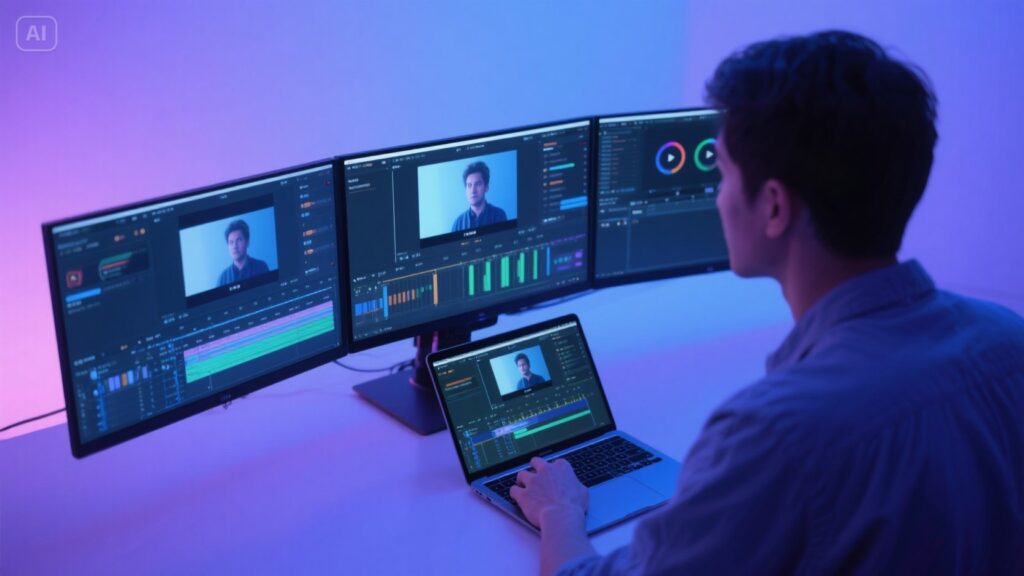
- For Creatives and Designers – Designers, video editors, and other creatives benefit from multiple screens to manage software interfaces, previews, and editing tools. Portable extenders enable professional-quality work even while on the move.
- For Travelers and digital nomads, portability is essential. Lightweight models, such as the SideTrak Swivel, ensure efficient remote work without adding extra weight to backpacks.
Expert Tips for Getting the Most Out of Screen Extenders
Optimize Display Settings
Adjust brightness, contrast, and scaling to ensure consistency across screens. This prevents eye fatigue during long hours of use.
Invest in a Laptop Stand
Combining extenders with ergonomic stands helps maintain posture and reduces neck strain.
Carry a Protective Case
Since screen extenders are delicate, carrying them in a padded sleeve or protective case extends their lifespan.
Use Cable Management
Extra cables can create clutter. Using short, well-managed cables improves your workspace and reduces the risk of tangling.
Potential Drawbacks to Consider
While screen extenders provide undeniable benefits, they are not without limitations.
- Battery Drain – Some models consume a significant amount of power, reducing laptop battery life during travel.
- Compatibility Issues – Older laptops may require additional adapters to function correctly.
- Cost – Premium triple-screen setups can be expensive, though they are often worth the investment for professionals.
- Learning Curve – New users may need time to adjust to managing multiple displays efficiently.
Future of Laptop Screen Extenders
The next generation of extenders is expected to be lighter, more energy-efficient, and equipped with features like touchscreens, 4K resolution, and wireless connectivity. With remote work and hybrid education becoming the norm, the demand for portable productivity tools is expected to rise.

Conclusion
In today’s fast-paced digital environment, a single laptop screen often fails to meet expectations. Laptop screen extenders bridge the gap by creating portable dual or triple monitor setups that enhance productivity, improve learning, and empower professionals on the go. From compact models like the SideTrak Swivel to powerhouse options like the OFIYAA Tri-Screen, there is a solution for every user.
Whether you are a student attending classes, a professional managing multiple projects, or a digital nomad balancing work and travel, investing in the best laptop screen extenders is a decision that pays dividends in efficiency, comfort, and productivity.
Want to know about “Idx Credit Monitoring: An Overview of Key Features, Pricing, Subscription Plans, Credit Score Tracking, And Much More” Check out our “Tech” category.
FAQs
This depends on the model. Some extenders add a single screen, while others, such as tri-screen setups, can add two extra displays for a total of three screens.
Yes, most are designed with portability in mind. Lightweight and slim designs (often under 3 lbs) fit easily into backpacks, making them ideal for business trips, remote work, or studying on the go.
Yes, since they draw power from your laptop. Expect reduced battery life when running multiple screens, but you can minimize this by plugging your computer into a power source during extended use.
Absolutely. Many extenders offer Full HD IPS displays with smooth refresh rates, making them ideal for casual gaming or streaming. However, competitive gamers may prefer dedicated high-refresh-rate external monitors.